Sticker pack toppers
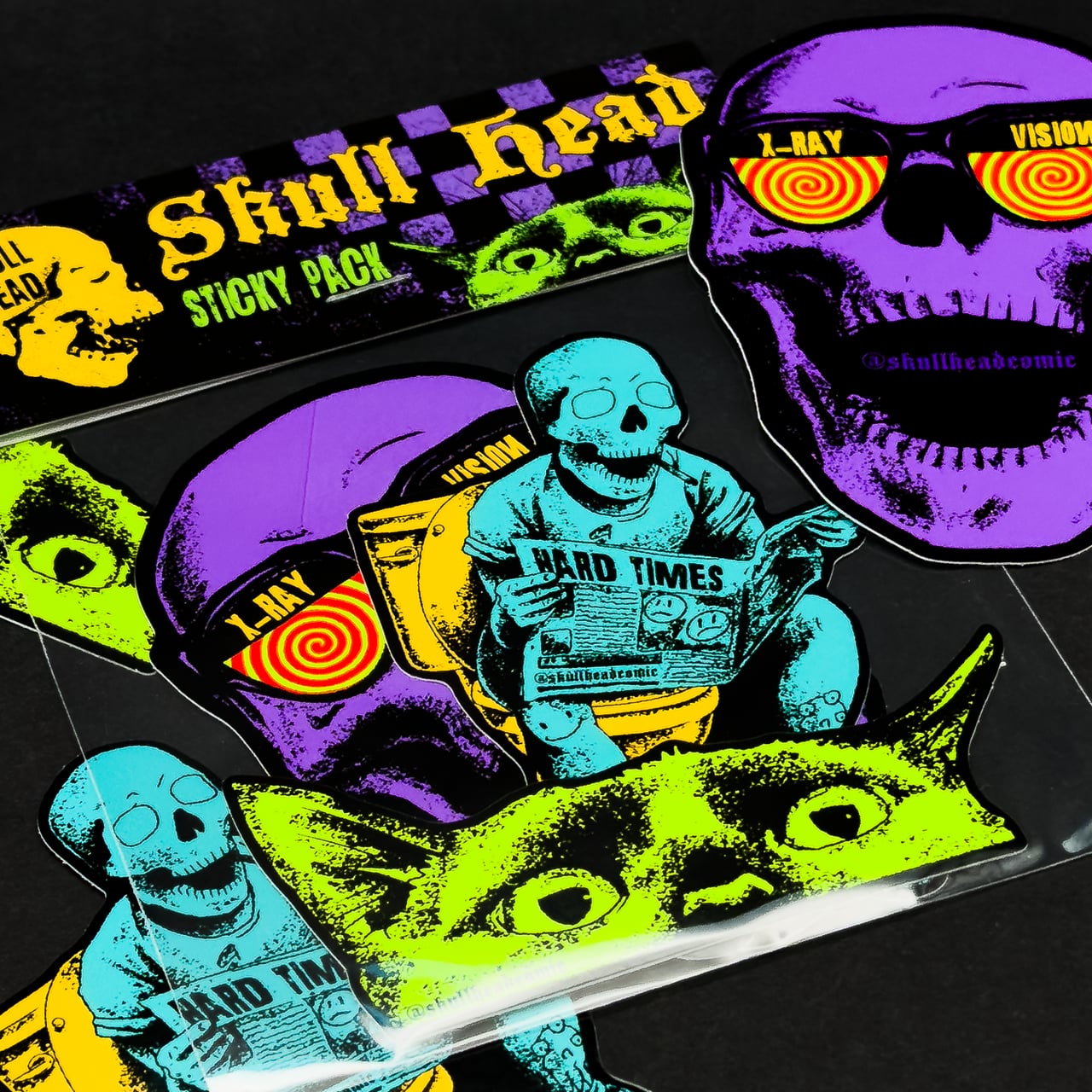
The little folded card that staples over the top of a sticker pack. Front faces out, rear faces in, fold sits along the middle. Easier to set up than it looks once you know which way is up.
This is a fixed size to match the sticker packs we produce, so just download it, drop your artwork in, and send it back.
Pack Topper Template (121 x 90mm flat, 121 x 45mm folded)
How the template's laid out
The template is one flat sheet that folds in half to make the finished card. The bottom half is the front, which is what your customer sees first. The top half is the rear, and it's deliberately drawn upside down so that when you fold the card over, the rear artwork ends up the right way up on the back.
The fold line runs across the middle. Don't put anything important within 3mm of it, or it'll end up creased through the middle of your design.
The two red staple bars show where the staples go through the card to hold the sticker pack closed. Keep logos, text and key artwork well clear of these.
Bleed and trim
Your artwork must extend past the red dashed line and fill the grey area around the edge. We trim along the red dashed line, so anything stopping short will leave a thin white sliver on the finished card.
Designing the front
This is the side facing out in the shop, market stall or unboxing photo. Brand name, pack title, hero artwork, anything that needs to grab attention. Keep the top 8 to 10mm clear of critical artwork so the staples don't punch through your logo.
Designing the rear
The rear sits behind the sticker pack and faces inward, so most people treat it lighter: sticker list, social handles, care instructions, a thank-you note, batch number, whatever fits your brand. Remember it's drawn upside down in the template, but once folded it reads the right way up.
Why isn't this in an A-size?
Pack toppers are a fixed size because they need to match the exact width of the sticker pack underneath. A topper that's a few mm wider or narrower than the pack looks off, and the staples won't line up cleanly. We've sized this one to fit our packs precisely, so all you need to do is download it and design.
Exporting your finished file
Save your file as a PDF with the layers preserved. Make sure the cutline is still on its own layer and still in magenta.
If layered files aren't your thing, you can send the artwork as a PNG with a transparent background at the full unfolded size with bleed included. Let us know which edge is the fold and we'll line everything up at our end.
Stuck?
If you're not sure how the fold works, or you'd rather we just laid it out for you, send your artwork over and we'll handle it. Templates are there to make life easier, not harder.